HHT Preview
HHT Preview Shortcode
The HHT preview shortcode is used to link to or embed documents.
It is a custom code defined in layouts/shortcodes.
Syntax Reference
{{< preview file/url title mode closed >}}
| Parameter | Description |
|---|---|
| file/url | Local path or https:// link |
| title | Link text |
| mode | closed (default), open, link, or height (e.g. 500px) |
| closed | If 3rd param is a height, use closed here to prevent auto-open |
Usage Examples
Video Switcher
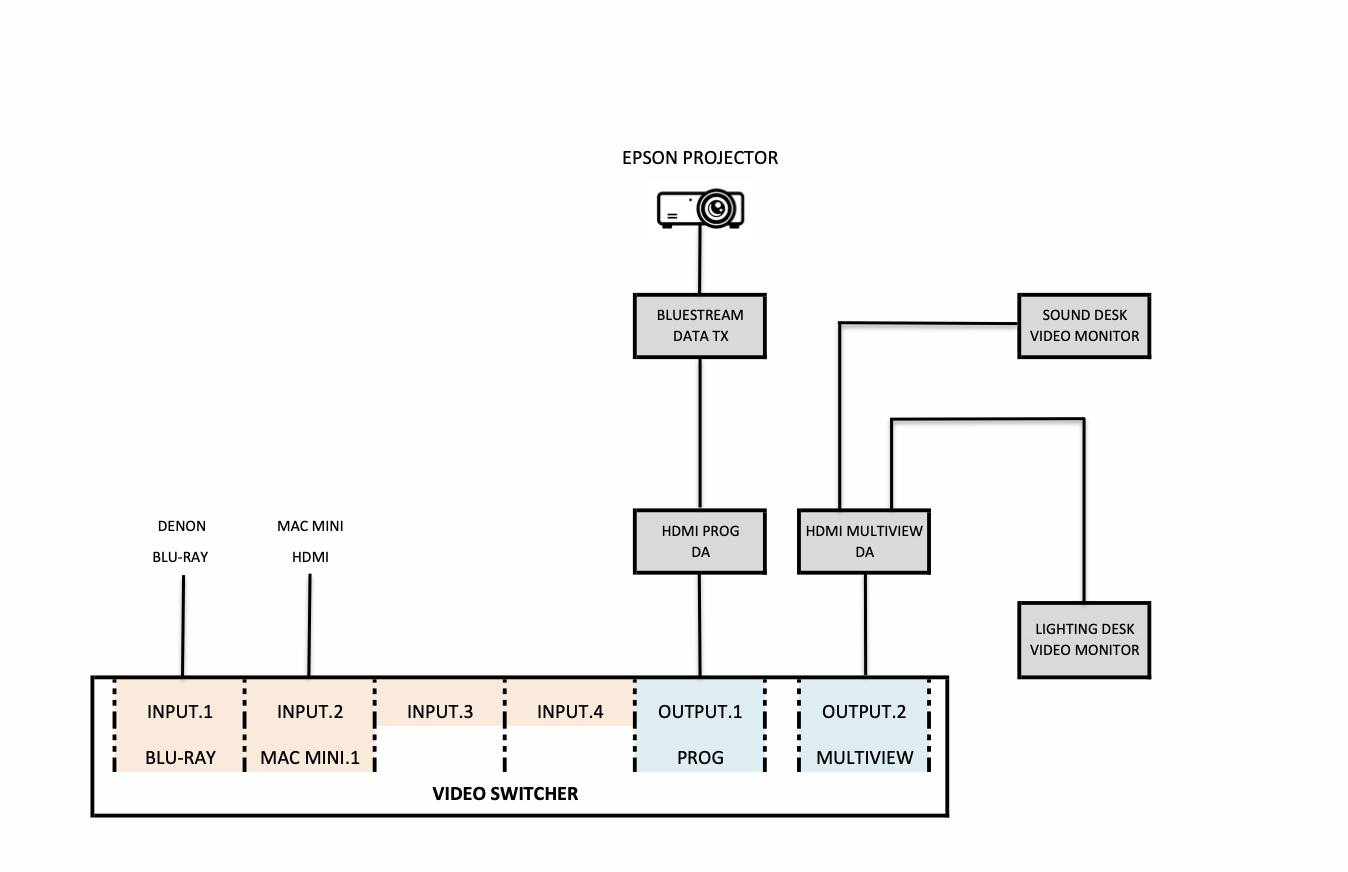
Video Switcher
File Type Icons
The shortcode automatically assigns icons based on the file extension:
- PDFs: Red PDF icon ()
- Images: Blue image icon ()
- Others: Generic gray file icon for unknown types or remote links.
Developer Safety
If a local filename is entered with the wrong casing (e.g., Schematic.pdf vs schematic.pdf), the shortcode will display a Case Mismatch Warning in the local preview.
Note: You must fix these mismatches to avoid 404 errors when the site is deployed to Cloudflare/Linux.